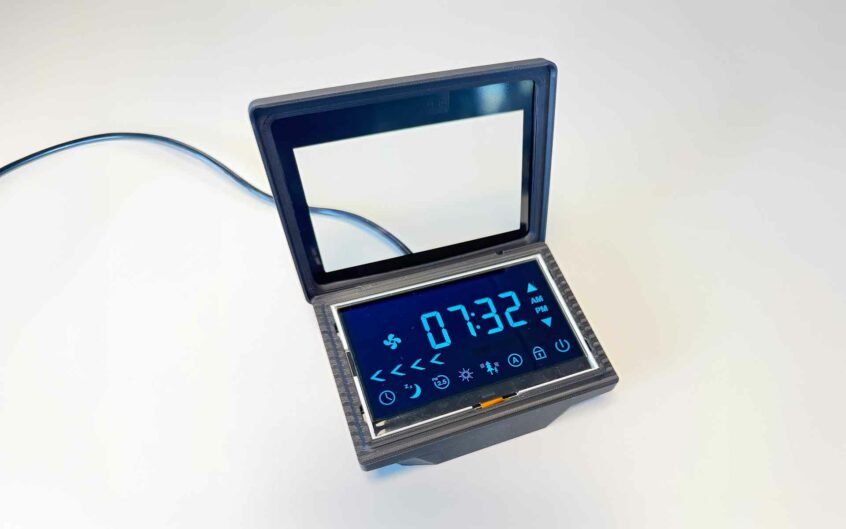
5 questions that will help you choose the right display
Choosing a display is rarely about deciding between LCD, TFT or OLED.
Most challenges arise long before the display technology itself becomes the main topic. More often, critical requirements are identified too late in the development process—when specifications have already been finalized and design changes become both costly and time-consuming.
After years of working on a wide range of projects, we’ve learned which questions make the biggest difference early in the process.
Here are five questions that can help you make better display decisions from the very beginning.
1. Where will the display be used?
A display that performs perfectly in the lab may be difficult to read in the environment where the product will actually be used.
Consider questions such as:
- Will the product be used indoors or outdoors?
- Will it be exposed to direct sunlight?
- Does it need to operate in low-light or dark environments?
- Will it be exposed to moisture, dust or vibration?
- What temperature range must it withstand?
The operating environment affects factors such as brightness, contrast, optical performance, touch technology and expected lifetime. One common mistake is defining environmental requirements only after the display has already been selected.
2. What does the User actually need to see?
It’s easy to focus on resolution and technical specifications, but it’s better to start with the user experience.
Will the display present:
- Simple status information?
- Symbols and icons?
- Advanced graphics?
- Video or animations?
Requirements for colour reproduction, contrast, refresh rate and resolution vary significantly depending on the application. In many cases, a well-designed user experience creates more value than maximizing technical performance.
3. How will the display affect the rest of the design?
The display is often one of the largest and most complex components in a product.
Your choice will influence areas such as:
- Processor and graphics performance
- RAM requirements
- Power consumption
- Communication interfaces
- Mechanical integration
A higher resolution doesn’t simply deliver sharper graphics—it also places greater demands on the rest of the system. By defining both the GUI and the display early, it’s much easier to optimise the entire product design.
4. How long will the product be in production?
For many industrial products, long-term availability is just as important as technical performance.
Before selecting a display, ask questions like:
- How long will the product remain on the market?
- What does the supplier’s PCN (Product Change Notification) process look like?
- What happens if the display reaches End of Life (EOL)?
- Are suitable replacement products available?
A display that is available today is not necessarily the best choice for a product that will be manufactured for the next ten years.
5. Are you involving the right expertise early enough?
Many of the most common display-related issues can be identified during the concept phase.
An early discussion about the operating environment, optics, mechanics and system integration makes it much easier to find the right solution from the start. In many cases, a short feasibility study or technical consultation is enough to avoid costly redesigns later in the project.
The earlier key requirements are identified, the greater the opportunity to optimise user experience, reduce development time and lower the total cost of ownership.
As a Project Sales Manager, I’m always happy to discuss different display options and help you find the right solution for your project.
