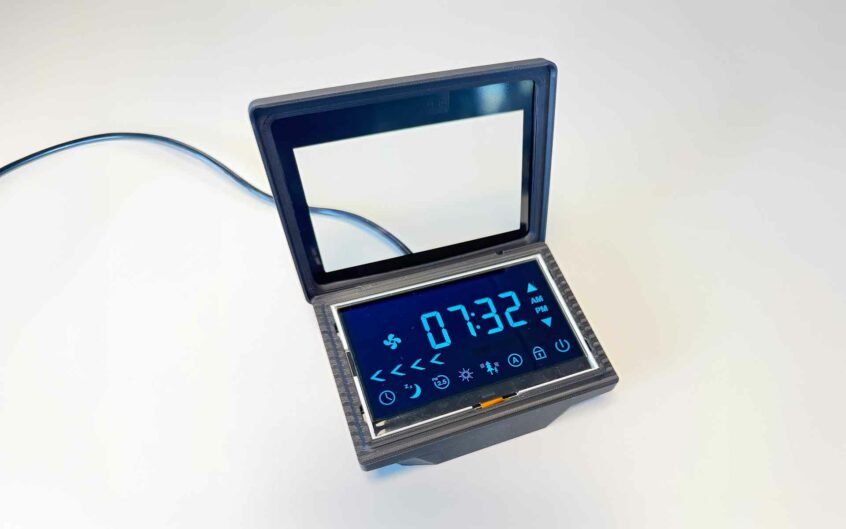
5 questions that will help you choose the right display
Choosing a display is rarely about deciding between LCD, TFT or OLED.
Most challenges arise long before the display technology itself becomes the main topic. More often, critical requirements are identified too late in the development process—when specifications have already been finalized and design changes become both costly and time-consuming.
After years of working on a wide range of projects, we’ve learned which questions make the biggest difference early in the process.
Here are five questions that can help you make better display decisions from the very beginning.
1. Where will the display be used?
A display that performs perfectly in the lab may be difficult to read in the environment where the product will actually be used.
Consider questions such as:
- Will the product be used indoors or outdoors?
- Will it be exposed to direct sunlight?
- Does it need to operate in low-light or dark environments?
- Will it be exposed to moisture, dust or vibration?
- What temperature range must it withstand?
The operating environment affects factors such as brightness, contrast, optical performance, touch technology and expected lifetime. One common mistake is defining environmental requirements only after the display has already been selected.
2. What does the User actually need to see?
It’s easy to focus on resolution and technical specifications, but it’s better to start with the user experience.
Will the display present:
- Simple status information?
- Symbols and icons?
- Advanced graphics?
- Video or animations?
Requirements for colour reproduction, contrast, refresh rate and resolution vary significantly depending on the application. In many cases, a well-designed user experience creates more value than maximizing technical performance.
3. How will the display affect the rest of the design?
The display is often one of the largest and most complex components in a product.
Your choice will influence areas such as:
- Processor and graphics performance
- RAM requirements
- Power consumption
- Communication interfaces
- Mechanical integration
A higher resolution doesn’t simply deliver sharper graphics—it also places greater demands on the rest of the system. By defining both the GUI and the display early, it’s much easier to optimise the entire product design.
4. How long will the product be in production?
For many industrial products, long-term availability is just as important as technical performance.
Before selecting a display, ask questions like:
- How long will the product remain on the market?
- What does the supplier’s PCN (Product Change Notification) process look like?
- What happens if the display reaches End of Life (EOL)?
- Are suitable replacement products available?
A display that is available today is not necessarily the best choice for a product that will be manufactured for the next ten years.
5. Are you involving the right expertise early enough?
Many of the most common display-related issues can be identified during the concept phase.
An early discussion about the operating environment, optics, mechanics and system integration makes it much easier to find the right solution from the start. In many cases, a short feasibility study or technical consultation is enough to avoid costly redesigns later in the project.
The earlier key requirements are identified, the greater the opportunity to optimise user experience, reduce development time and lower the total cost of ownership.
As a Project Sales Manager, I’m always happy to discuss different display options and help you find the right solution for your project.

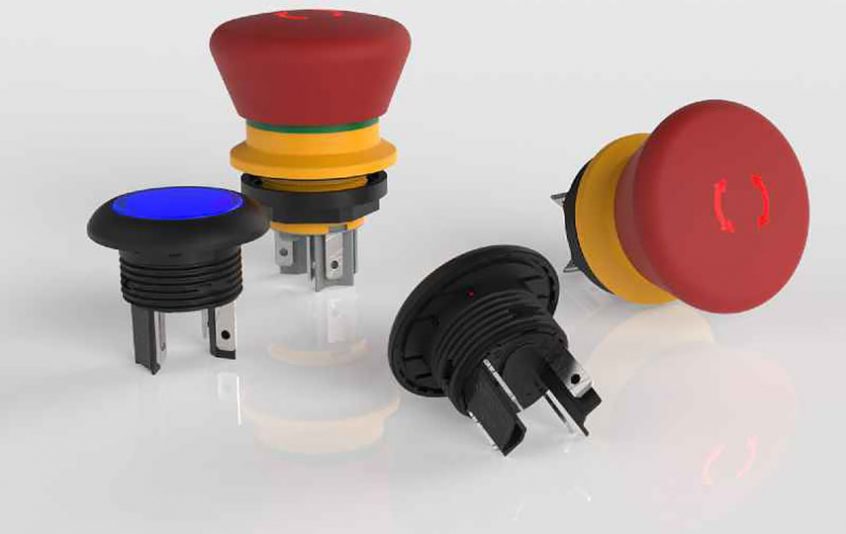
Compact, highly reliable pushbuttons and Emergency Stop buttons
NEW pushbuttons and illuminated pushbuttons for 16.2 mm mounting holes are especially suitable for handheld control devices, or any application that requires robust switch functions in a low profile. They are very compact and provide distinct haptic feedback. Read more
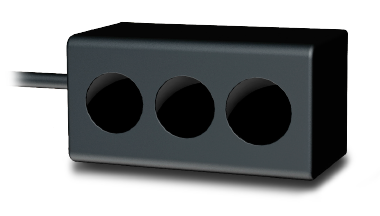
TOFgard: Evolution in elevator door safeguarding!
The decades-old method of using light barriers and light curtains to safeguard elevator doors is about to come to an end – thanks to the TOFgard sensor from Swiss sensor solution specialist, CEDES. This compact and versatile Time Of Flight camera sensor offers the safeguarding function but extended across both the cabin and landing door closing edges. In other words, it offers genuine full door area protection for passengers, freight and the door itself. Up to now, light barriers and curtains have been used to safeguard passengers and freight entering and leaving elevators. Read more
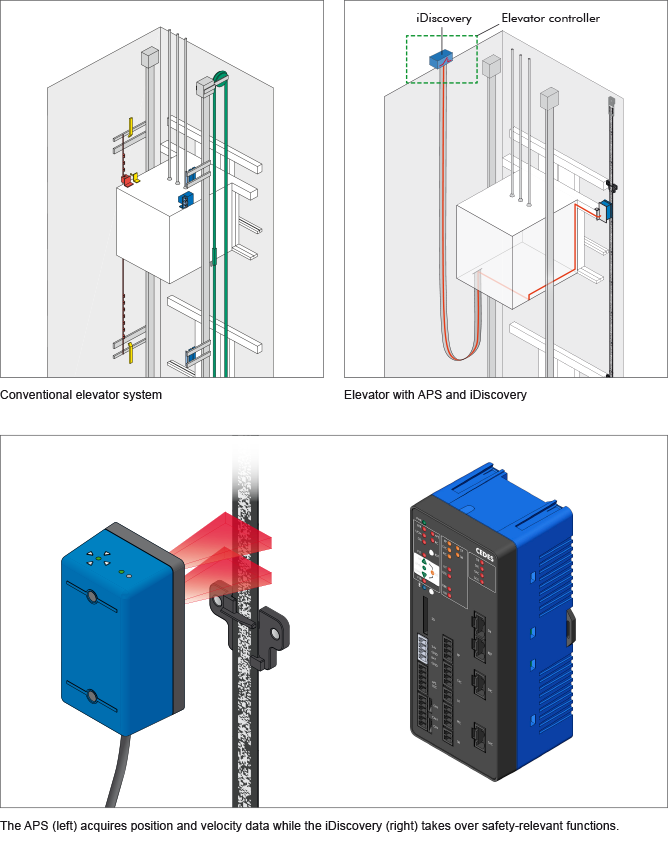
iDiscovery: Elevator safety systems in one device!
The iDiscovery is a powerful SIL3 and EN 81compliant position supervisor unit. In conjunction with CEDES’ APS (Absolute Positioning System) it takes over safety-relevant elevator functions and devices of an elevator. These include detection of unintended car movement, pre-opening of doors, re-leveling with open doors, overspeed detection, retardation control and limit switches. All this significantly reduces the cost and complexity of both elevator equipment and installation. Read more
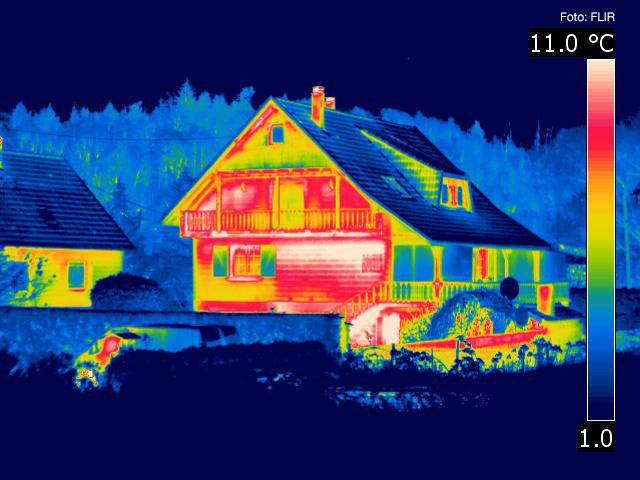
See the invisible with Flir’s cameras, an invaluable help to detect e.g. water damage
Since many years, we have a cooperation with FLIR Systems, a pioneer in the market of commersial thermography cameras, and supply them with electromechanics for their cameras. The cameras are today market leading for use e.g. within research and industry, but there are also uses that are closer to you everyday life. The thermography cameras have proven to be exceptional tools to detect and analyse the spread of a water damage in homes and other buildings.

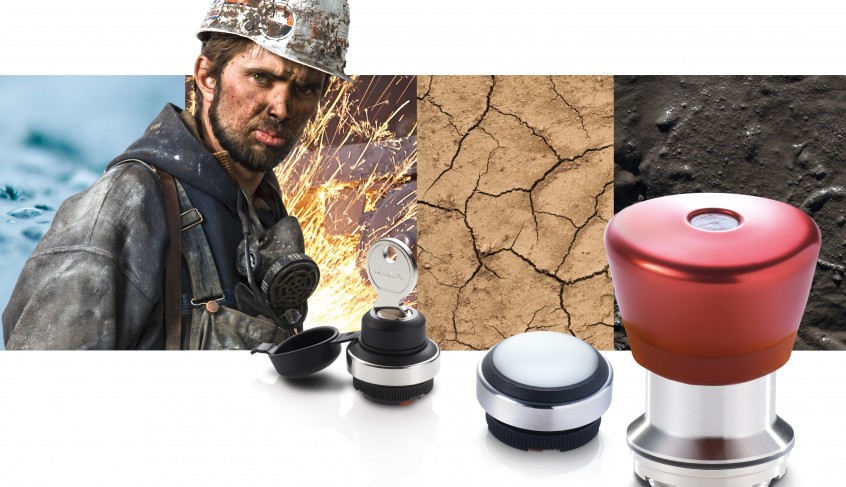
Surviving the toughest of challenges
– Dust, dirt, lubricants, moisture, and extreme temperatures: pushbuttons and switches for operating outdoor machines have to withstand a great deal. With the RAFIX 22 FSR, RAFI has developed a new control component series for rough outdoor use that can stand up to harsh weather conditions, mechanical force, dirt, and lubricants without any trouble.
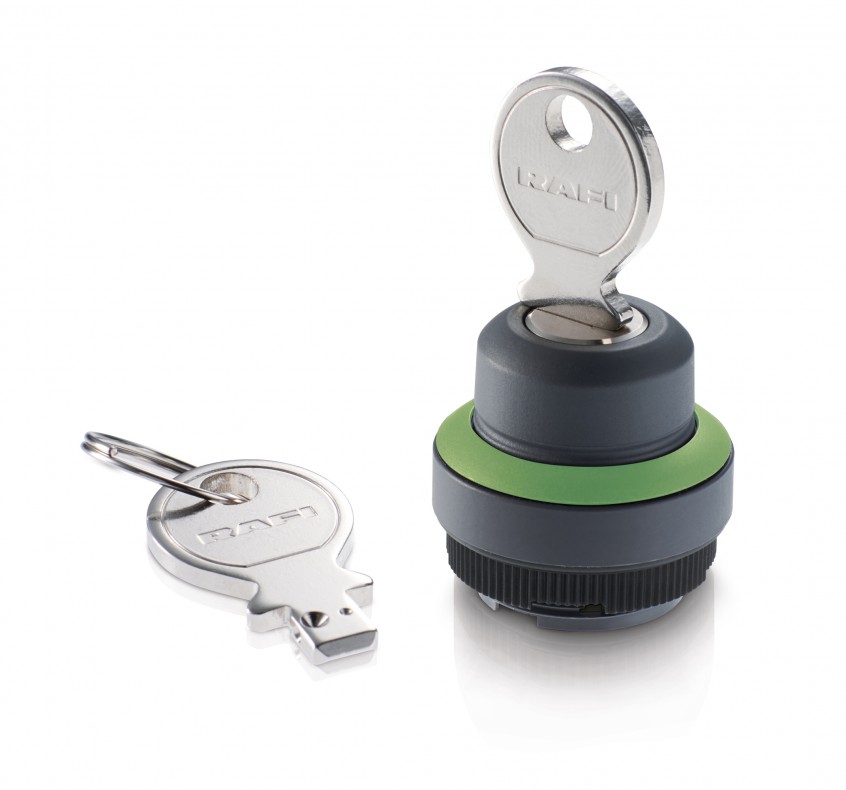
Great tactility in the smallest space
In order to protect operating functions from being unintentionally actuated, RAFI offers a new keyswitch from its RAFIX 22 FS+ control component series, an extraordinarily compact solution with an overall height of only 45.1 mm from the front plate. Despite its small dimensions, the compact keyswitch is characterized by a great level of tactility.
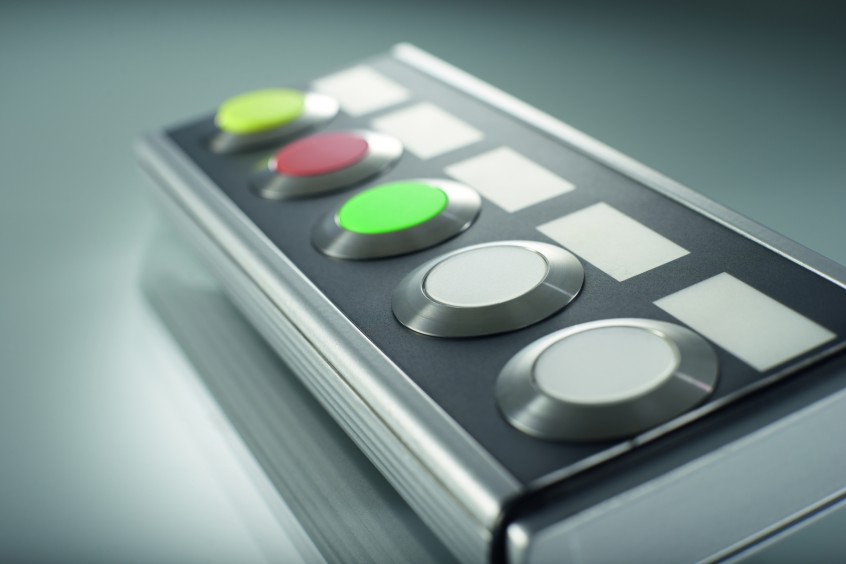
Extra-flat RAFIX 30 FS+ for high-level design requirements
RAFI’s new RAFIX 30 FS+ series control components offer all the benefits as extra-flat lenses and an even lower overall height: the new series pushbuttons rise only 3.45 mm above the front plate.
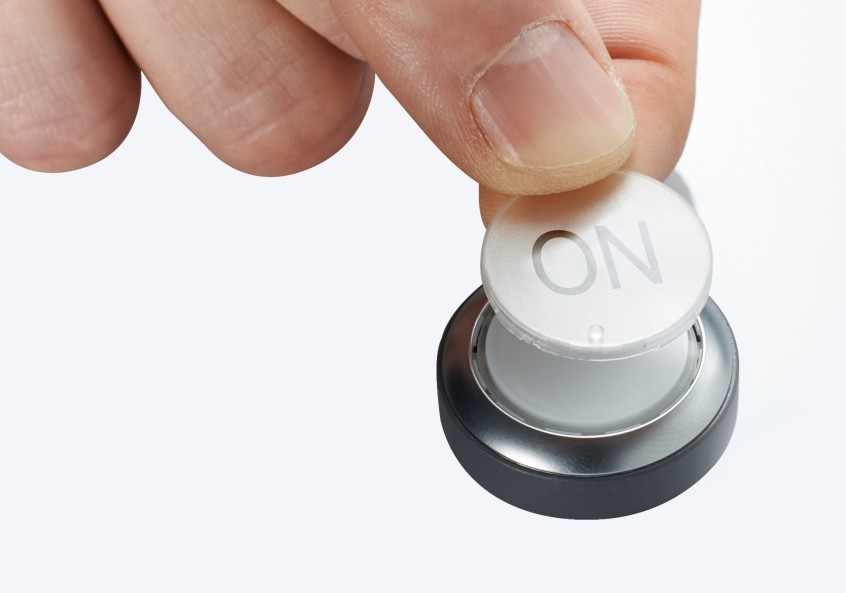
Pushbuttons for individual labeling
FLEXLAB pushbuttons from the RAFIX 22 FS series by RAFI can be individually labeled and allow mechanical engineers to reduce time for planning or making customization to operating devices. Thanks to the option of subsequently labeling the FLEXLAB pushbutton, function assignments relevant to the target application need not be taken into consideration too early, but can be carried out at a convenient later time – including by the end customer.